Field Ops support
Call the people who built it.
We're a small Toronto company, so when you call, you talk to someone who can fix the problem. Support is part of the monthly price, for every login in your shop.
How to reach us
Phone and text
647.479.8770Monday to Friday, 7 a.m. to 6 p.m. Eastern. We pick up live, and we answer texts within the hour.
We reply the same business day, so use it for anything that can wait a few hours.
If Field Ops is down
Call or text any time
Evenings and weekends too. If your techs can't open their jobs, we start on it within the hour.
What support covers
If it keeps your shop running on Field Ops, it's covered. Something bigger, like a new screen or a new report, gets a written quote first at $200 CAD per feature.
- Questions from anyone in your shop, office or field
- Setting up a new tech's phone and login
- Training a new office hire on a call
- Changing a form, a rate, an overtime rule or a minimum charge
- Adding a field to your equipment or your work order
- Sorting out a QuickBooks sync that stopped
- Updates to Field Ops as we ship them
Put Field Ops on a tech's phone
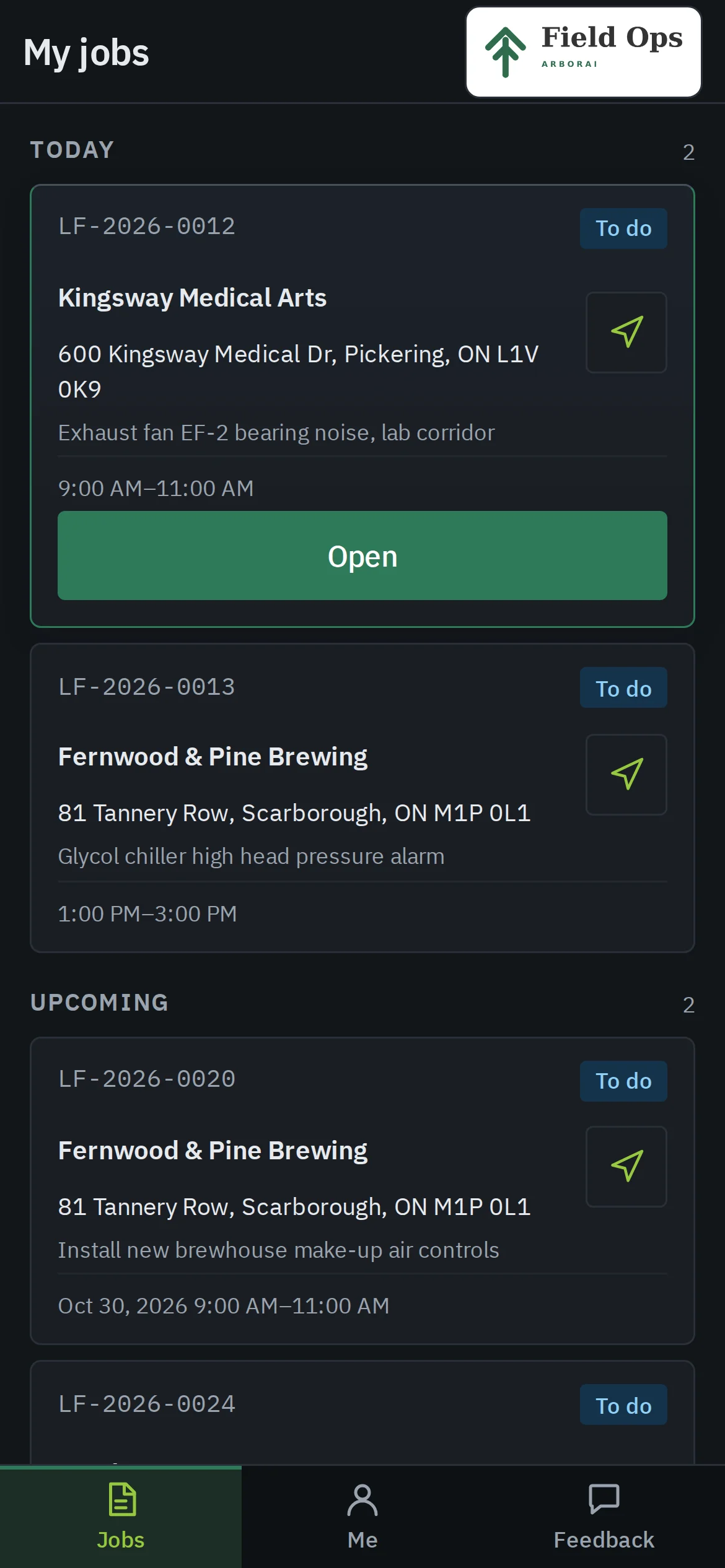
Field Ops runs in the phone's browser and installs to the home screen like an app. There's nothing to download from an app store.
iPhone
- 1Open your shop's Field Ops address in Safari.
- 2Tap the Share button, then Add to Home Screen.
- 3Open Field Ops from the new icon and sign in.
Android
- 1Open your shop's Field Ops address in Chrome.
- 2Tap Install when Chrome offers it, or open the menu and tap Install app.
- 3Open Field Ops from the new icon and sign in.
Not on Field Ops yet?
Book a demo and ask us anything you like about how support works.
Book a 20-minute demo